



“When you try to edit without it, everything suddenly feels slow.”
Davud · Pxlsafe
Why Editors Are Switching
Editing hasn't changed in 20 years. We’re still clicking through endless menus. Terminal fixes that.
Stop Clicking Menus
Stop clicking through endless menus to find your effects. Just type what you want, hit Enter, and it's done.
Stay in Flow
Every time you look away to find a menu, you lose focus. Terminal keeps your eyes on the edit and your hands on the keyboard.
Complex Tasks, Simplified
Apply a preset, change speed, and add a transition in one command chain. What used to take 10 clicks now takes 2 seconds.
See It In Action
Left: The old way (manual). Right: The Terminal way.
Manual Workflow
Hunting through menus...
Time Elapsed
0:00
With Terminal
Done in seconds.
Time Elapsed
0:00
Why I Built Terminal
Hey, I’m Jakob.
I’ve spent years inside Premiere Pro and After Effects. The deeper I got, the more I realized something: most of editing is hunting through menus instead of creating.
Changing effects, adjusting properties, adding transitions, moving clips… it was all the same repetitive clicking. Slows you down. Breaks your flow.
So I built Terminal. A command bar that lets you type what you want and have the app execute it instantly.
Once you get used to it, it’s hard to imagine editing without it.
This section doesn’t currently include any content. Add content to this section using the sidebar.
Some of the reviews shown are from related products the merchant grouped with this one.
@
saw Tapes' video on this pack and copped instantly and must say its the best editing pack i have brought to date, super easy to use no matter the software.
*Quick Tip* use the assets within After Effects for extended customisation options, super fire!!
K
100% geekin. I love it
B
HARD used this pack for a vis for my song with southsidesilhouette. easy asf to use and was the perfect vibe I wanted.
B
HARD used this pack for a vis for my song with southsidesilhouette. easy asf to use and was the perfect vibe I wanted.
e
love this plug in. 10/10
H
First day using fastfx and I can say this is a ALL IN ONE plugin for sure! If you need it, it’s in there 😂shakes crts night vision and thermals this is a steal would definitely recommend purchasing!
Effects used in video
1. CRT transition V3
2. Fast wipe
3. Quick hit
Q
Would recommend this to anyone wanting to boost their edits !!!
l
FIRE ASS PLUGIN
A
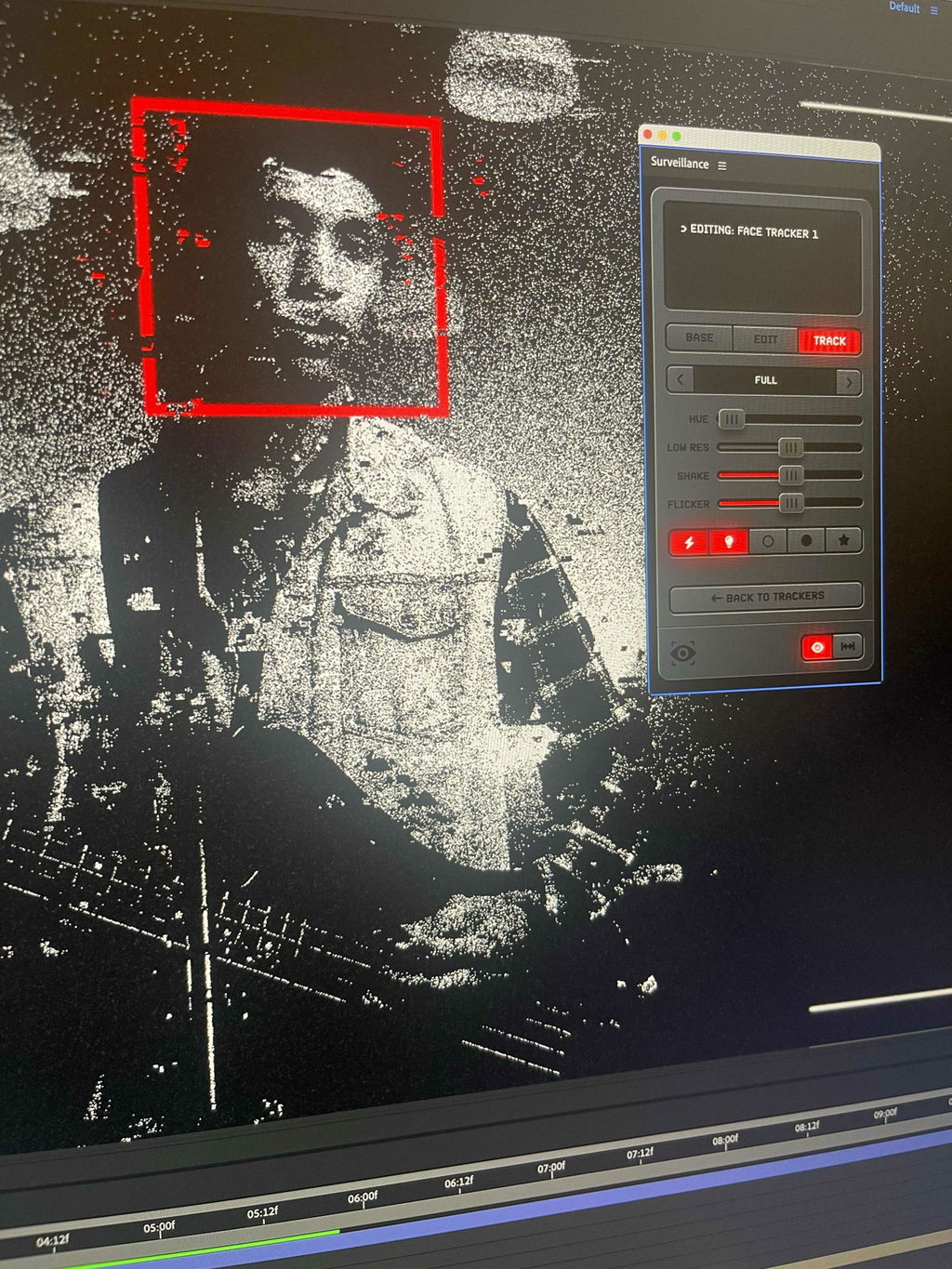
Surveillance is like magic for my videos! It nails that security cam look effortlessly. I can't believe how easy it makes my editing process. Seriously, a must have for any video geek out there
k
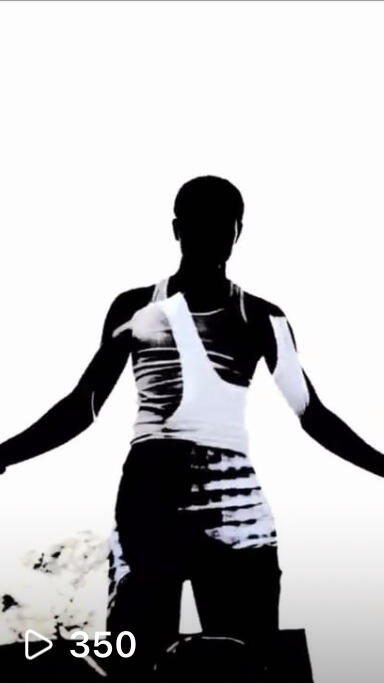
I’m about to do a video with Fast movement fx v3 for the first time, In I know the video going to come out good, Because it’s been looking good on my practice clips.
J
Super easy to use and the tutorial is very helpful and goes into great detail!
M
Plugin is incomplete, its not working like it suppoused to, honestly i want my money back, or support to make the plugin work the right way, I need some assistance the seller not even responds my messages on youtube or instagram
Some hoep would be nice
S
The pack is indeed geeked
C
Kind of a waste of money, wish there was more in the pack
E
Good but expensive
W
Does it work in DaVinci, if yes how do I use it there?
Z
been seeing touch designer tutorials but this just makes it way easier def reccomend!!
s
I tried making these and it took 2 ish hours to figure it out with this you get 21 templates but he also gives you the tools to make your own which i fw
N
had a lil bug, support fixed it quick, runs perfect now. i use it literally every project
G
Was skeptical but terminal works exactly how they say. fuzzy typing thing is cool bc it KNOWS what i mean lol.
d
i edit quick content and this just helps A TON. no more hunting thru menus. totally worth it
a
took me a lil to remember the commands but after that it’s SO smooth. sped up my whole workflow honestly
s
wasn’t sure at first but now im using it everyday. just type something n boom it happens. adobe could never fr
T
terminal legit saves me so much time. i dont have to dig for effects anymore. kinda crazy how fast it is lol
R
Using Terminal has totally changed my workflow. What used to take ten clicks now takes two seconds. It’s a game changer for Premiere Pro & After Effects editors
F
Bought this bc I loved Fastfx so much and it really does help you edit faster! really useful for nesting and doing quick time changes, color grading or even adding effects without having to open the menus, I edit on a 13 inch laptop so this really gives my timeline and video playback a lot more room. good job tiny tapes this one is a heater 10 golden stars
j
been waiting for tapes to do an after effects pack like this!! so worth it
C
one of tiny tapes best really like the grunge this preset has really worth it. shoutout nett
J
jakob sent me this early, love these ones gonna be using it all the time
D
Hi, i bought the FastFx plug in a few months ago and today I bought a new MacBook.I tried to install again the plugin in premier and asked me for linces key.I have it on e-mail but it says that is invalid.Please help
J
Tapes did not miss with this one
P
So good!
j
THANK YOU TAPES